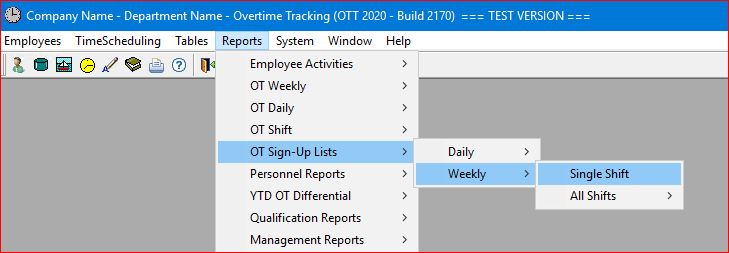
Select the Reports | OT Sign-Up Lists | Weekly | Single Shift main menu option.
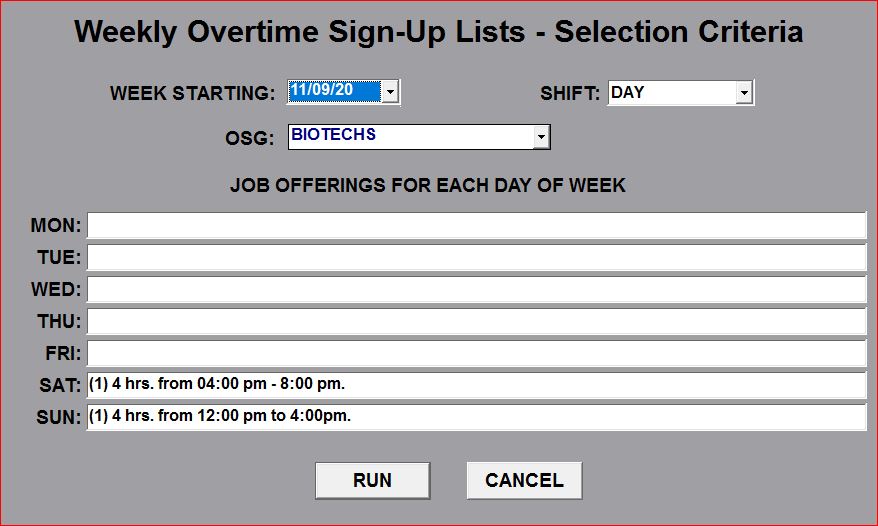
A "pop-up" window will be displayed to allow you to select an OSG, a specific Shift, and the "Week Starting" date. You can also enter "Job Offering" information for the specified Shift for each day of the week.
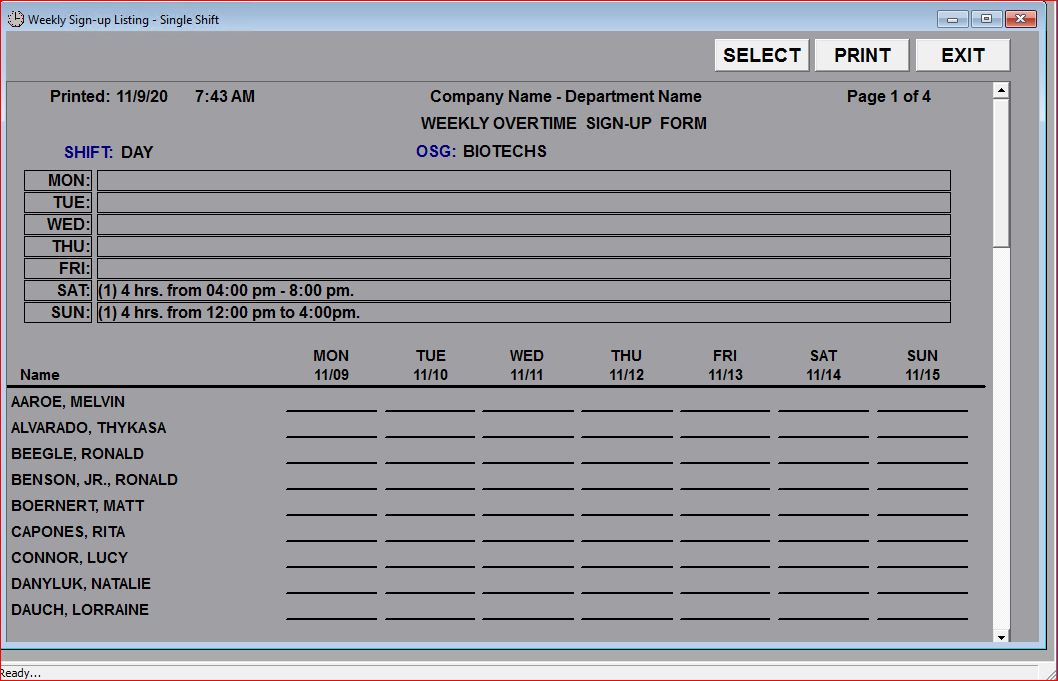
This report generates an Overtime Sign-up List for the specific Shift selected for the Week selected, listing all employees in the OSG selected, allowing them to "sign up" for overtime during shifts on which they are not scheduled to work (i.e. shifts other than their regular shift).