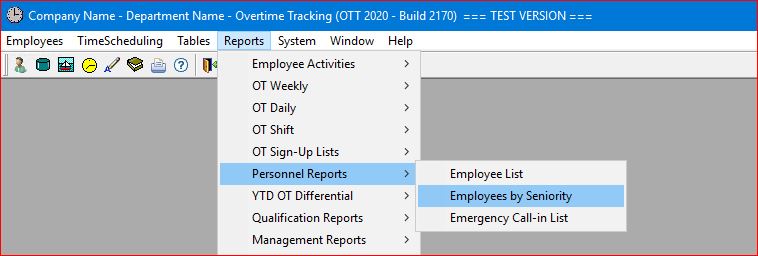
Select the Reports | Personnel Reports | Employees by Seniority main menu option.
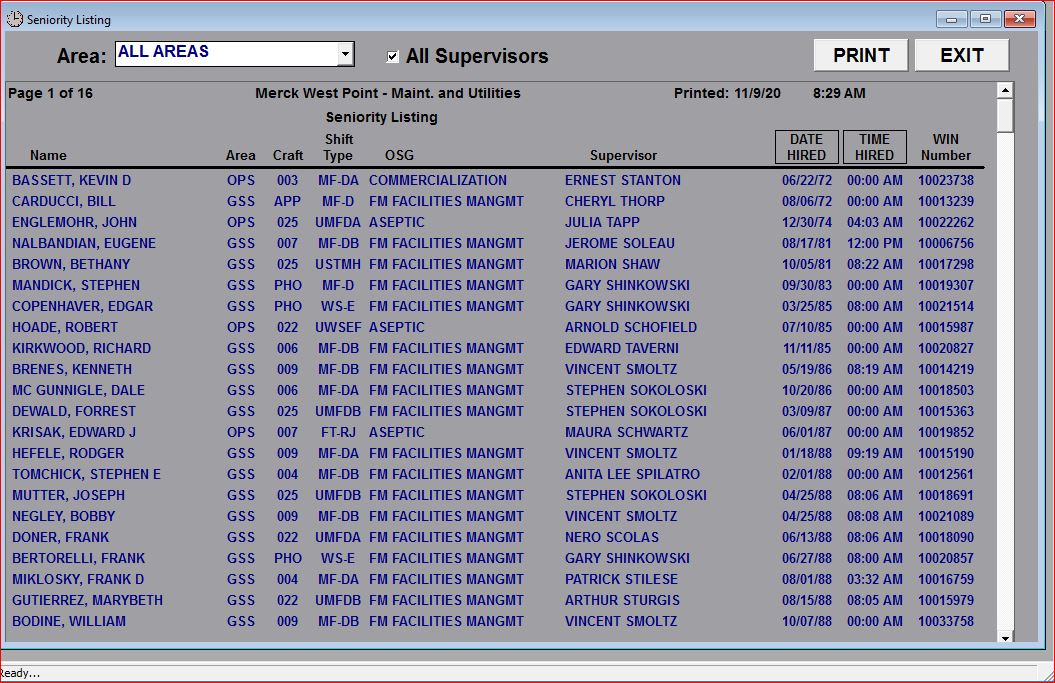
The system will then generate the report and provide options for limiting the list to either all employees in a specific Area or by allowing you to select an individual Supervisor to limit the report to only those employees that report to the Supervisor selected. This report defaults to ALL Supervisors:
When you un-check the "All Supervisors" check-box, the report provides a drop-down list of supervisors so you can select a seniority list by individual supervisor:
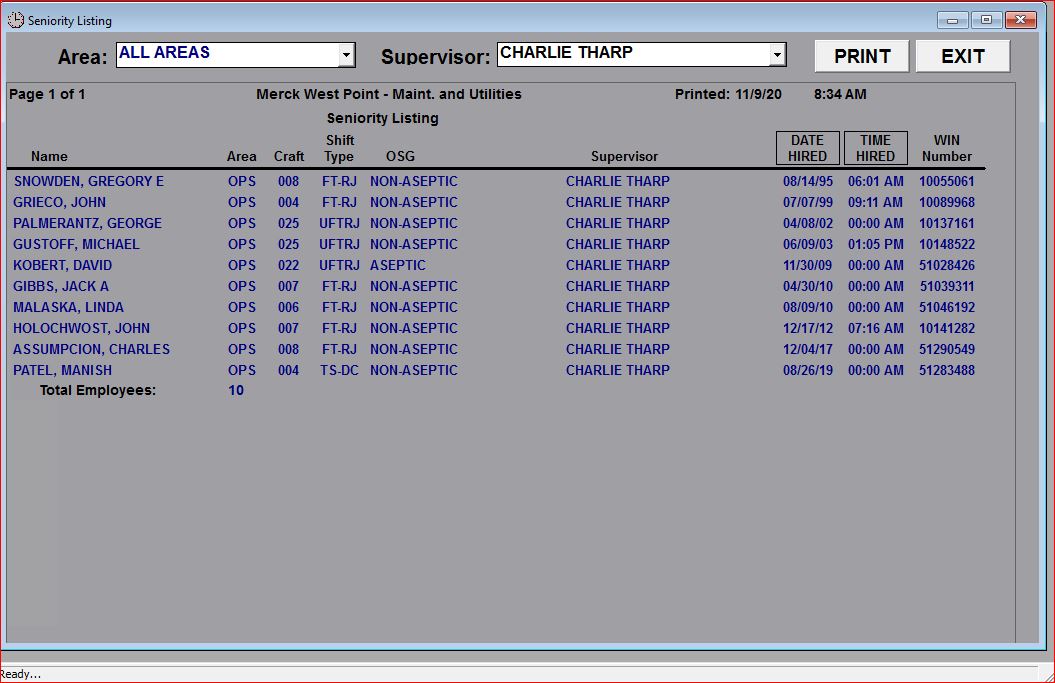
This report provides a complete listing of all employees by Seniority (i.e. date and time of hire) and can be sorted by Area, Craft, Shift Type, OSG, Supervisor, and Date/Time Hired by simply clicking on the heading at the top of the report.
TIP: This report can be limited to a specific AREA (using the "drop-down" selection box) and can also be limited to a specific Supervisor by un-checking the All Supervisors check-box which will display another "drop-down" selection box of Supervisors.